Starting November 1, 2024, Meta is simplifying and reducing WhatsApp Business Platform fees to help businesses connect with customers more affordably and efficiently.
- Help Center
-
WhatsApp Business Platform
Updates on WhatsApp Business Conversation pricing: Effective Nov 01, 2024
Starting November 1, 2024, Meta is simplifying and reducing WhatsApp Business Platform fees to help businesses connect with customers more affordably and efficiently.
Key Highlights of Meta’s New Pricing Structure
Starting November 1, 2024, Meta is excited to announce that service conversations will be completely free! Businesses can now respond to an unlimited number of inbound inquiries at no cost, as long as the customer initiates the conversation within a 24-hour window.
Previously capped at 1,000 free service conversations per month, this change offers businesses the freedom to scale support without additional charges. This flexibility is especially beneficial during peak seasons or promotions, allowing you to enhance customer service without worrying about rising costs. Seize this opportunity to provide responsive and accessible support at no extra expense!
Example of a Service Conversation
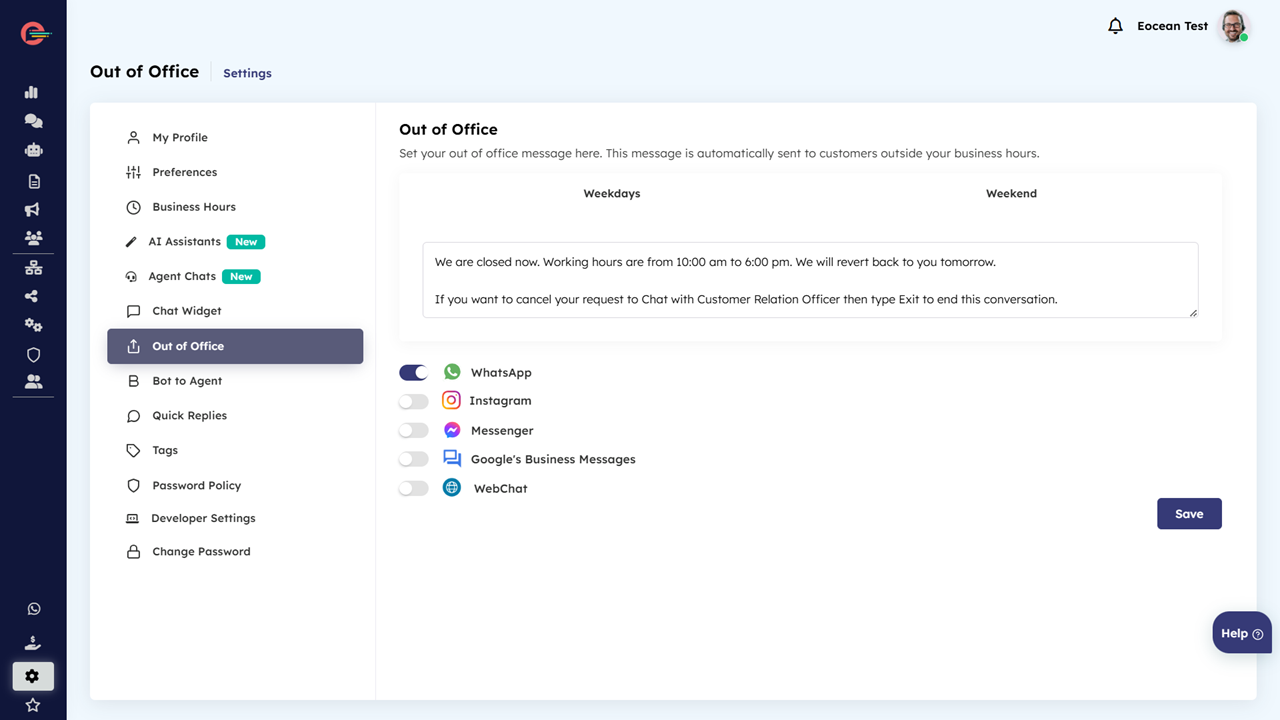
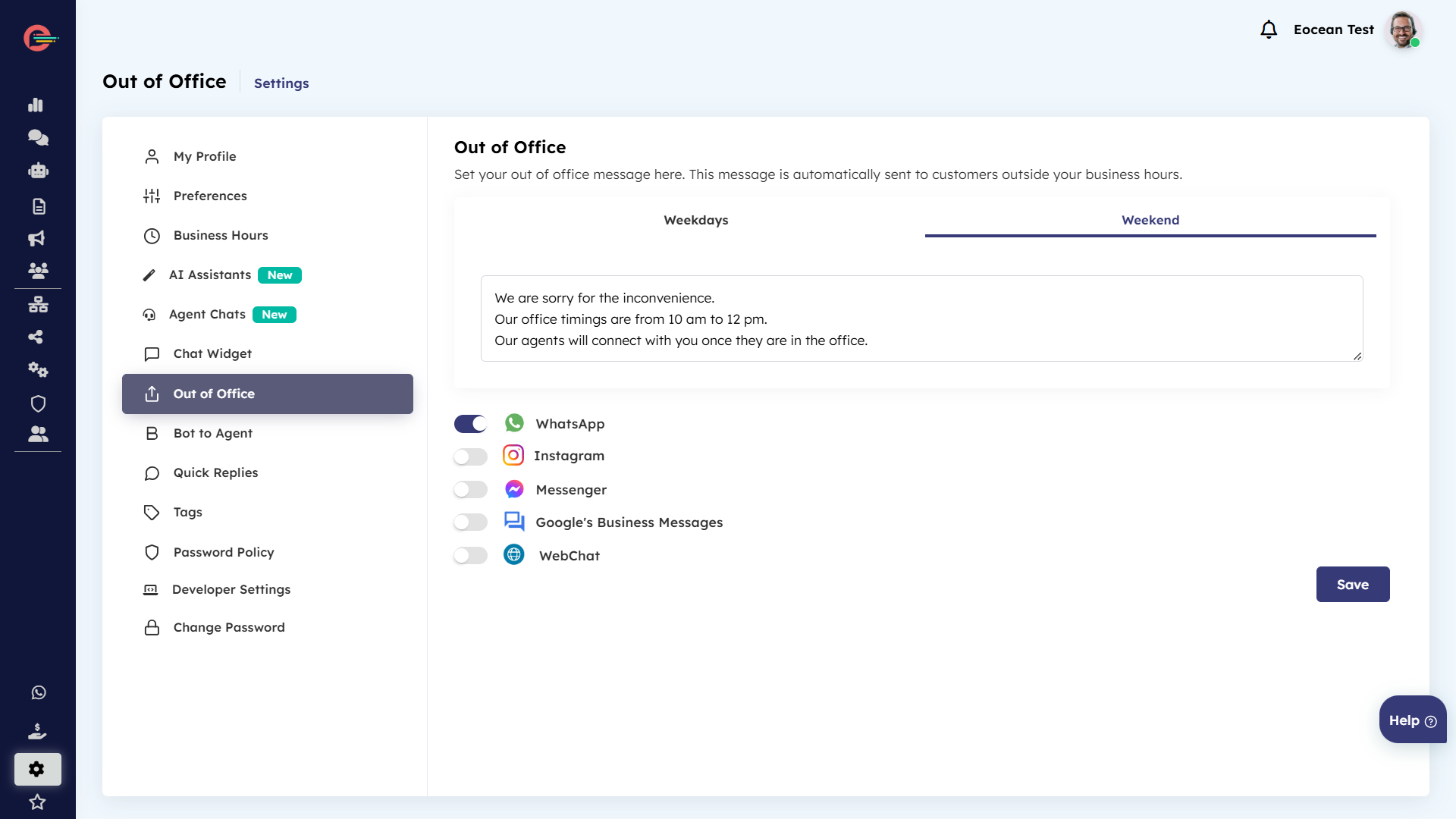
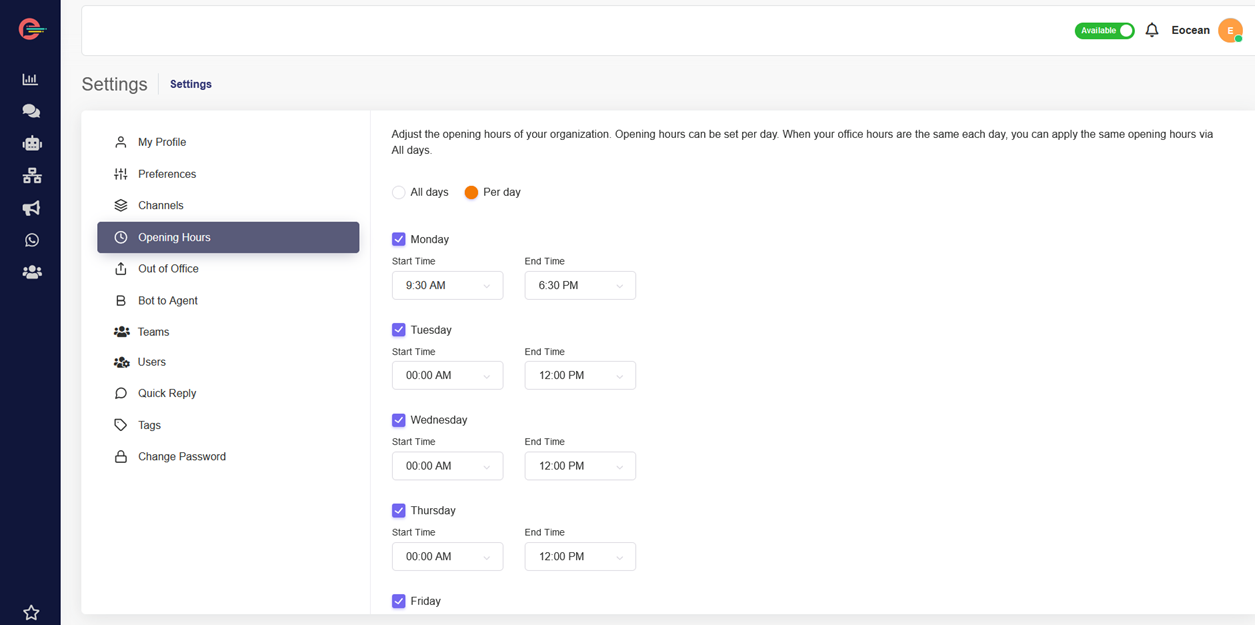
- Hour 0: A WhatsApp user messages you outside of your business hours. This opens a customer service window, so you are now able to send any type of message to the user for 24 hours, not just template messages.
- Hour 0: Your bot automatically responds with a text message informing the user that a customer service agent will respond by 9am the next day.
- Hour 12: A customer service agent responds to the user with a text message.
What to Expect in the Upcoming Months
- February 1, 2025: New international authentication rates will roll out across seven additional markets, coupled with reduced rates in existing markets.
- April 1, 2025: Utility templates will be available for free within the 24-hour customer service window, and businesses will shift to a per-template message charge instead of the previous per-conversation model.
- July 1, 2025:strong> All businesses will be charged per message for template message as part of the second phase rollout.
Per-Message Pricing
With per-message pricing from April 1, 2025, businesses will be charged:
- Per message for each marketing template
- Per message for each authentication template
- Per message for each utility template sent outside of a customer service window
For example, if you send a marketing template and then two utility templates to a WhatsApp user, that will incur 3 charges (1 marketing, 2 utility). If the 2 utility templates are sent while a customer service window is open between you and the user, however, it would only incur a single charge (1 marketing).
Customer Service window
Whenever a WhatsApp user messages your business, a 24-hour timer called a customer service window starts (or refreshes if one has already been started). When a free-form message is delivered by the business in response, with no open conversation of any other category open between your business and that user, a service conversation is opened.
Conversation types and how they apply to your pricing
Businesses can initiate a conversation using a template message outside the customer service window. The category of the template message used will define the conversation type.
Marketing, utility, and authentication conversations can only be opened with template messages. Service conversations can only be opened with free-form messages.
Four Conversation Types
There are three business-initiated conversation types (all of which require customer opt in) and user- initiated conversation are renamed to align with the primary ways businesses and people are messaging on Whats App. The new conversation type is determined by the template category of the message used to initiate the conversation. WhatsApp divides template categories into 4 types:
Utility – Business-initiated conversations relating to a transaction, including post-purchase notifications and recurring billing statements to customers who have opted in.
Authentication – Business-initiated conversations that enable businesses to authenticate users with one-time passwords at multiple steps during the login process, such as account registration, account recovery, and integrity challenges.
Marketing – Business-initiated conversations to market a product or service to customers, such as relevant offers to customers who have opted in. Any business-initiated conversation that does not qualify as an authentication or utility conversation would also fall under this category.
Service – User-initiated conversation, such as to resolve a customer query.
How is the 24-hour customer service window applied for each template category?
Conversation charges are based on template category. Each template category will start and have its own separate 24-hour conversation window and incur separate charges. For example, if a business sends a customer a utility message, they will be charged the utility conversation fee, but if 4 hours later, they send the customer a marketing message, they will also be charged the marketing conversation fee, and start a separate 24-hour window for marketing messages. However, if they send additional utility messages, they will not be charged again until 24 hours have passed and a new 24-hour window begins.
The exception to this is free entry point conversations. During the free window, businesses can send multiple templates of different categories, and no new conversation will be opened.
Charges for conversations are based on the user’s country code. A user here is defined as the customer that your business is communicating with. Rates for different conversation types based on template category vary by country or region.
Pricing calculator for utility, marketing and authentication conversations: Effective Nov 01, 2024
Utilize our Pricing Calculator to choose your specific market and conversation type, enabling you to accurately determine the WhatsApp conversation fees applicable to your business.
Free Entry Point Conversations
Conversations are not charged when users message businesses using call-to-actions buttons on Ads that Click to WhatsApp or Facebook Page call-to-action buttons.
With the launch of per-message pricing, free entry point conversations will behave the same but reflect messages instead of conversations. If a WhatsApp user messages you via a free entry point surface, you can respond with any type of message for free within 24 hours; this opens a free entry point customer service window that lasts 72 hours. You can continue to message the user using any type of message while this window is open, at no charge.
Standard pricing applies for Ads that Click to WhatsApp. The conversation that initiates from the ad is free, but not the ad itself.
Free Utility Templates in the Customer Service Window
Starting April 1, 2025, utility templates sent within a customer service window are free for all businesses. Utility templates sent outside a customer service window will continue to be charged the utility rate.
Example
If a WhatsApp user sends you a message asking when the package they ordered will be delivered, you can respond within the customer service window with a text message or utility template message, and neither incurs a charge.
To learn more about Conversation pricing updates , see Meta’s pricing documentation here.