In Digital Connect, this dashboard offers an insight into customers’ feedback that they provide after conversation with an agent over surveys.
Voice of the Customer
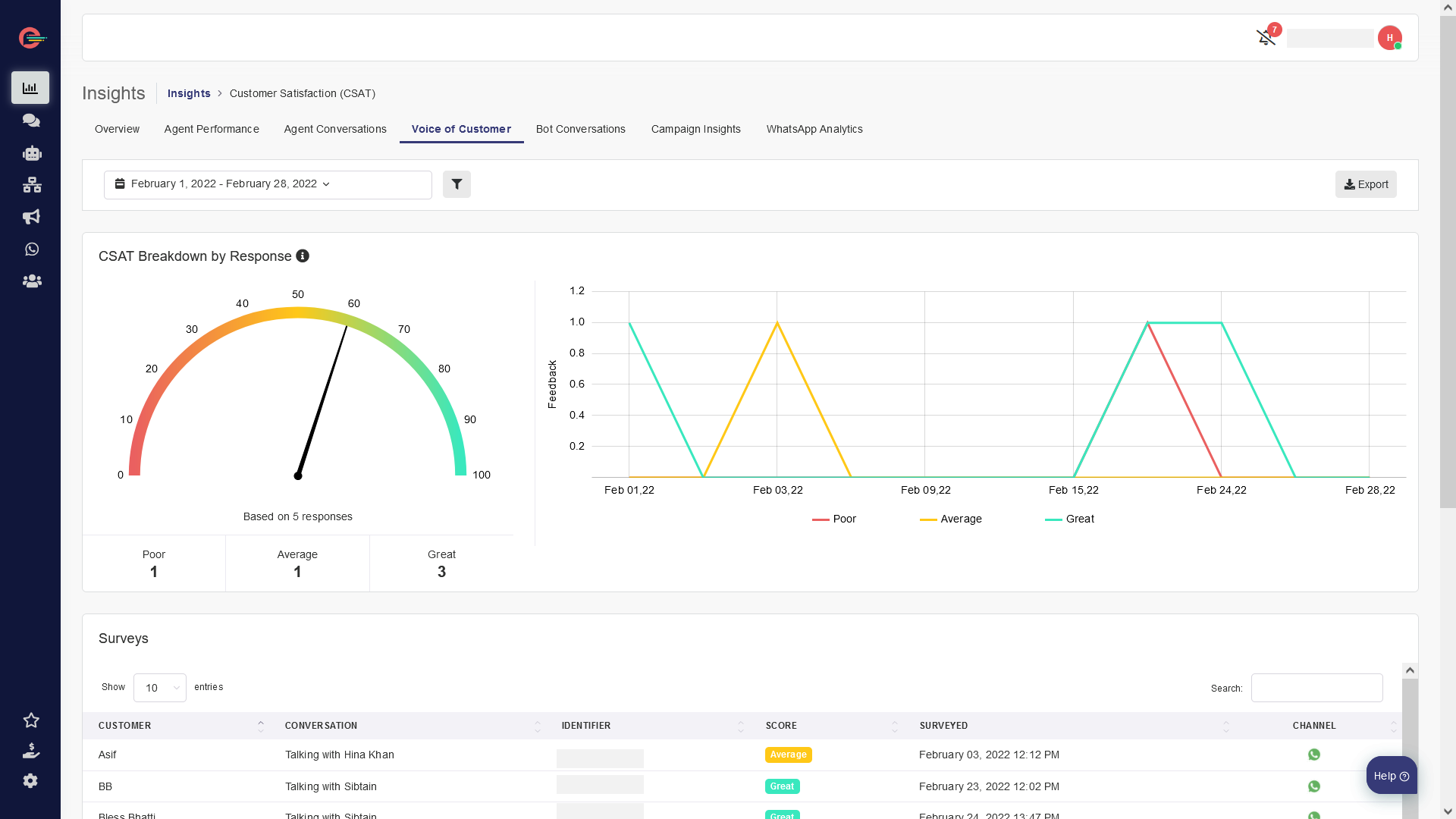
In Digital Connect, this dashboard offers an insight into customers’ feedback that they provide after conversation with an agent over surveys.
You can gather feedback from your customers after a conversation with your team through conversation ratings. When a agent resolves (closes) a conversation, you can send a simple survey to your users asking them about their experience. You can do this by setting up CSAT (Customer Satisfaction) Survey.
Overall feedback results are presented at the top and can be easily seen in two different widgets.
And the widget below offers the insight for each survey completed showing who completed the survey, which score they gave, the date when they were surveyed and their channel of conversation.
Using this dashboard you track your customers’ satisfaction and team’s performance and reward your top agents while identifying opportunities to improve the quality of support your team provides.
You can also leverage it to improve the experience of your customers to make your customers happy.
For example, You can reach out to customers who have left a low rating on a conversation and incentivize them by sending them promotional offers and discounts.
[feedback_form] [related_articles]

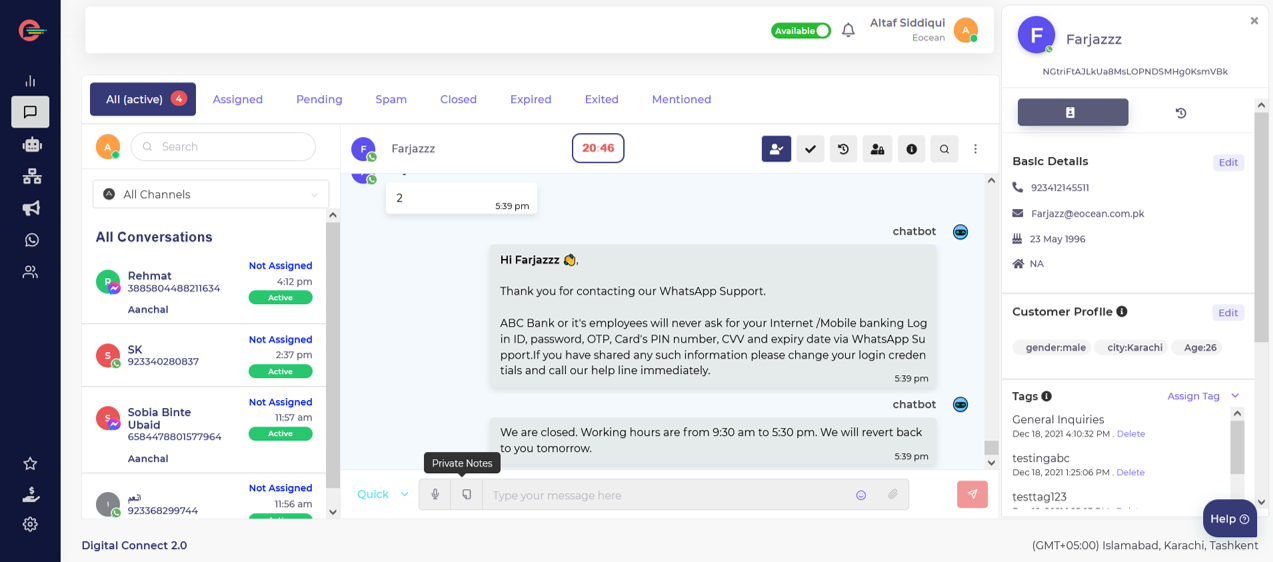
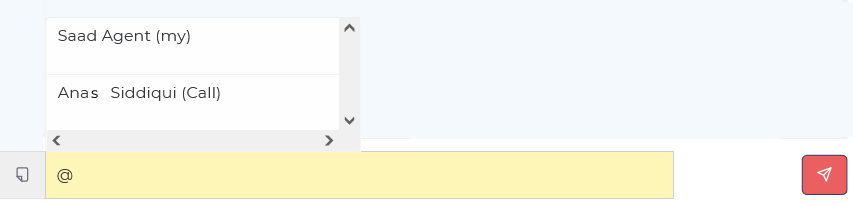
 Every time you post a private note, your team will receive a notification informing them that you need their help to resolve a customer issue.