Private notes are helpful for agents/supervisors to collaborate with teammates to help resolve customer issues faster. Private Notes also support ‘Mentions’, which allow you to tag a specific agent who can contribute to a quicker issue resolution.
How to use Private Notes and Mentions?
Private notes are helpful for agents/supervisors to collaborate with teammates to help resolve customer issues faster. Private Notes also support ‘Mentions’, which allow you to tag a specific agent who can contribute to a quicker issue resolution.
How to write a private note
- Go to the Chat Manager and click on a conversation to open it.
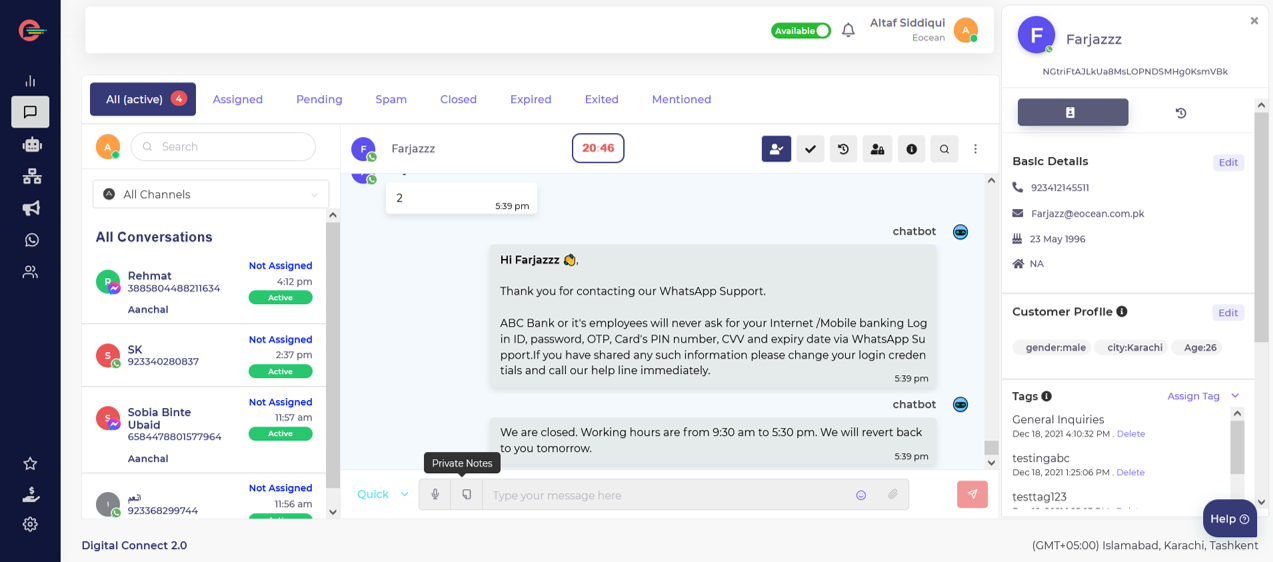
- In the reply window, click on the Private Note icon on left side.
- You will see a yellow message box, type the note and click the Send button to post the note.
 Every time you post a private note, your team will receive a notification informing them that you need their help to resolve a customer issue.
Mentioning in the private notes
Private notes can be used to mention particular agents who can contribute to a quicker ticket resolution.
To mention the agent in the private note:
- you can simply type ‘@’ before the name of the agent in the yellow message box as shown below. Next, you’ll see a list with active agents including the team they are assigned to choose from.
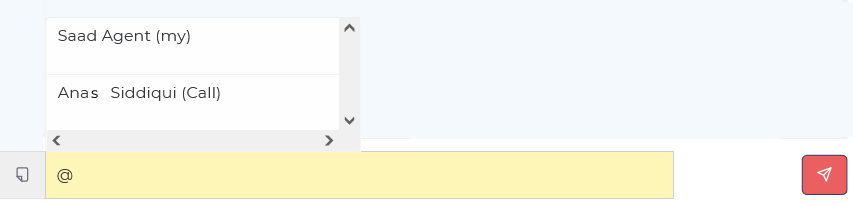
Choose an agent and write the private note message. Then click the Send button.

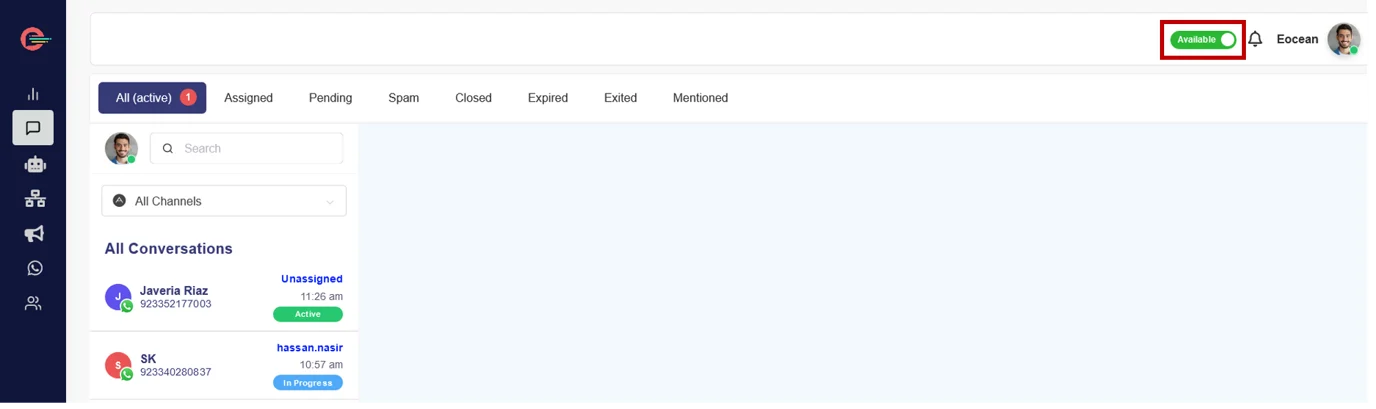
Every time you post a private note using @, the mentioned agent will receive a notification informing them that you need their help to resolve a customer issue. The mentioned agent can go to the notifications icon on top right next to Available toggle button and click on it see a list of private notes. Agent can then click on a particular note and will be automatically routed to the relevant conversation for collaboration.
All the conversations in which you are mentioned (using private notes) are listed in Mentioned inbox for a quick view as show below