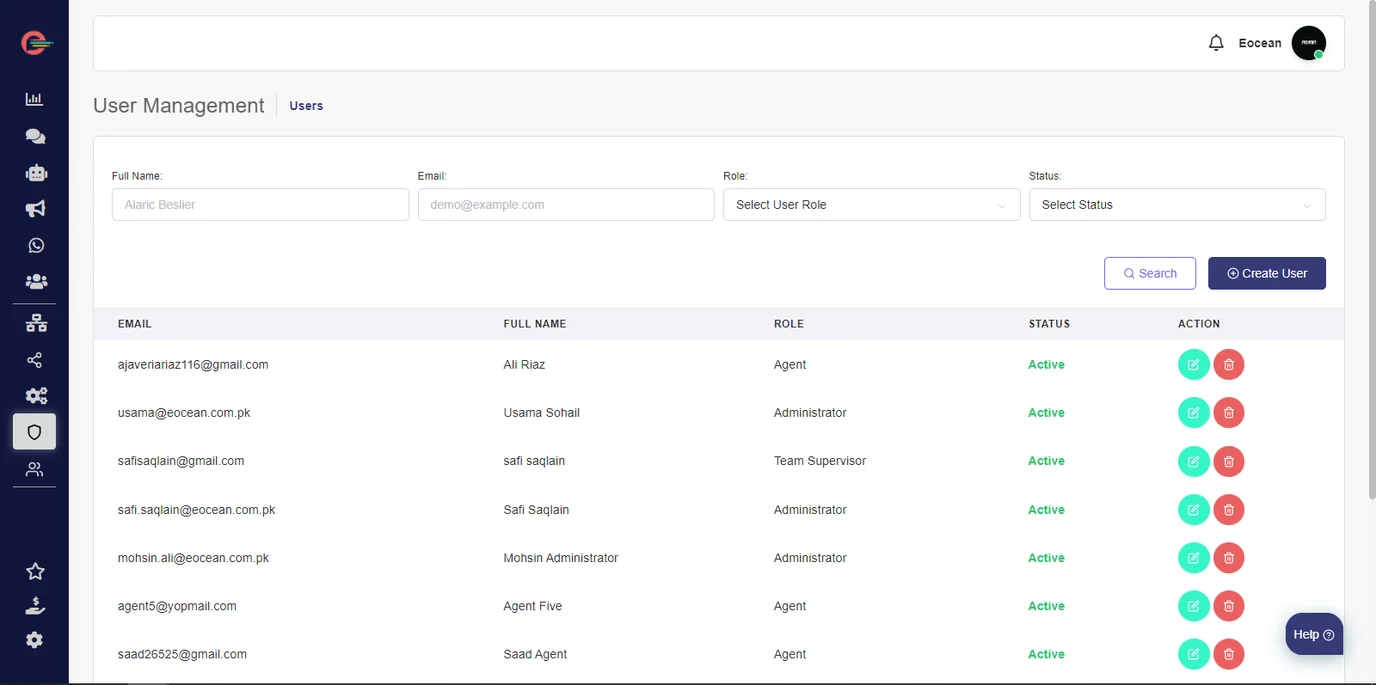
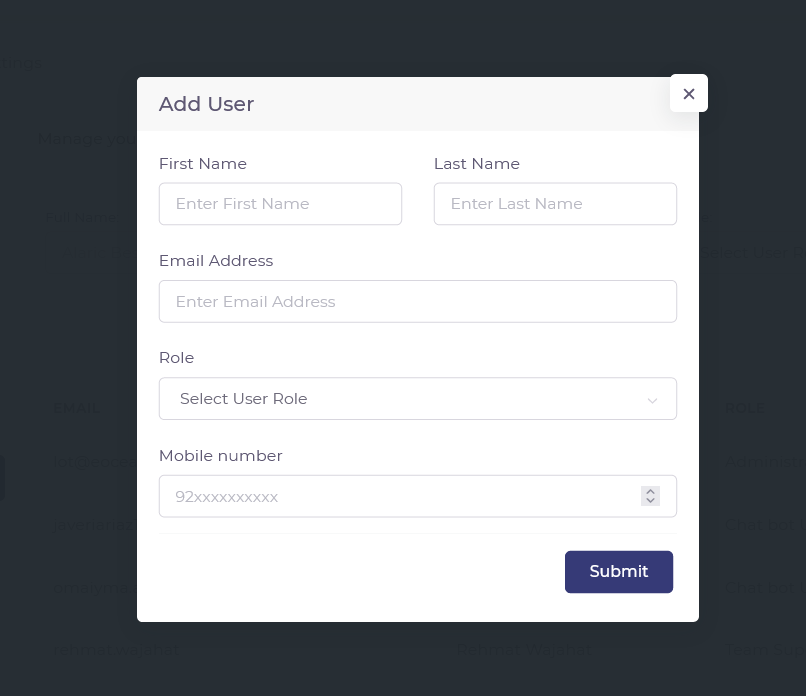
There are six types of user roles in Digital Connect. Each type of user has different permissions. Each role comes with different permissions and capabilities.
- Help Center
-
Users and Teams
Digital Connect User Roles and Permissions
There are six types of user roles in Digital Connect. Each type of user has different permissions. Each role comes with different permissions and capabilities.
- Administrator
- Team Supervisor (Paid role)
- Agent (Paid role)
- Chatbot User
- WABA Manager
- Marketer
Administrator
The administrator is the user responsible for managing the overall Digital Connect Platform. They have complete control over all features, settings, and user management.
The administrator has access to:
- Insights
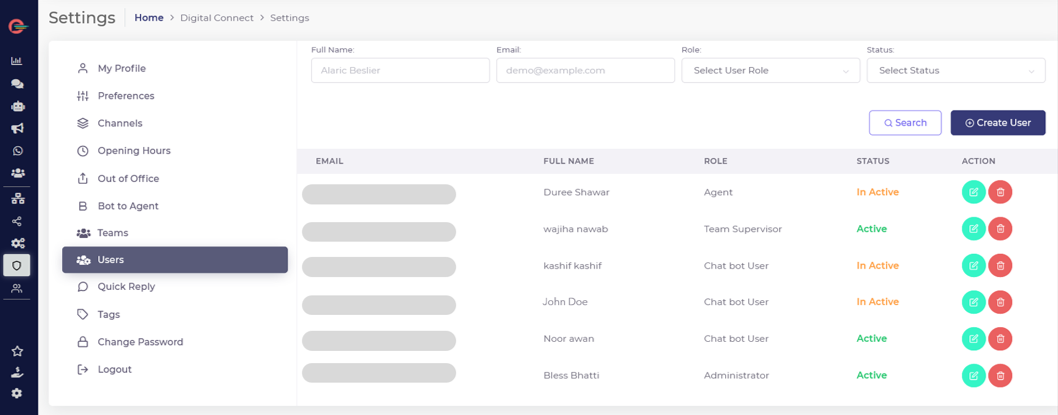
- Settings
- Chat Manager
- Chatbot Manager
- Chatbot Builder
- Campaign Manager
- Contacts
- Billing
- What’s New
The administrator can perform several unique actions:
- Configure platform preferences
- Configure Setting such as WhatsApp profile, business hours, and more.
- Install channels
- Remove channels
- View and download reports
The administrator can also:
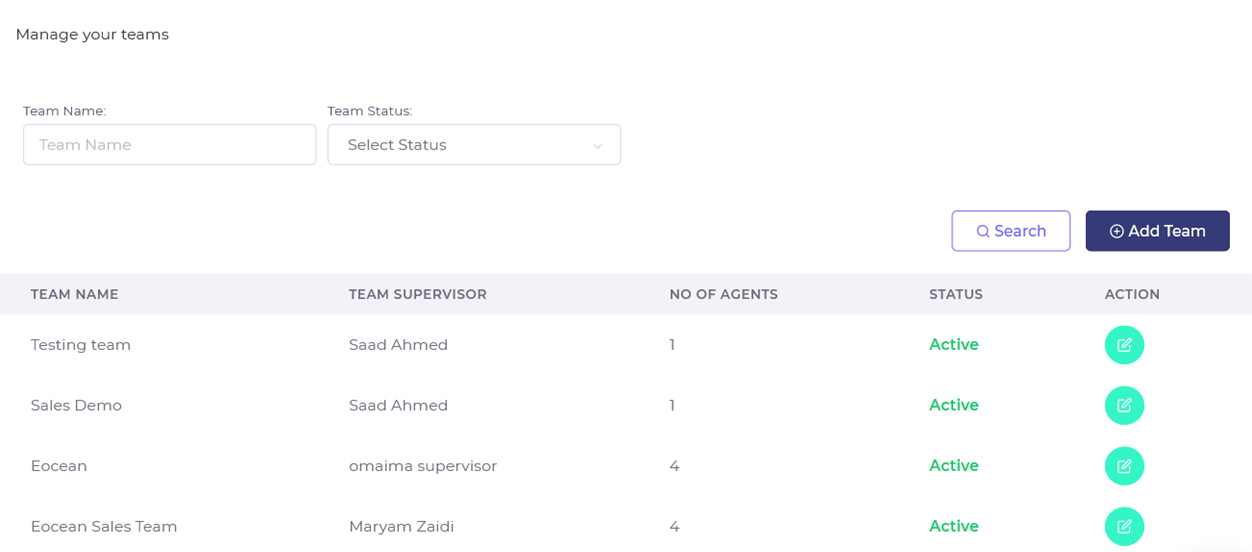
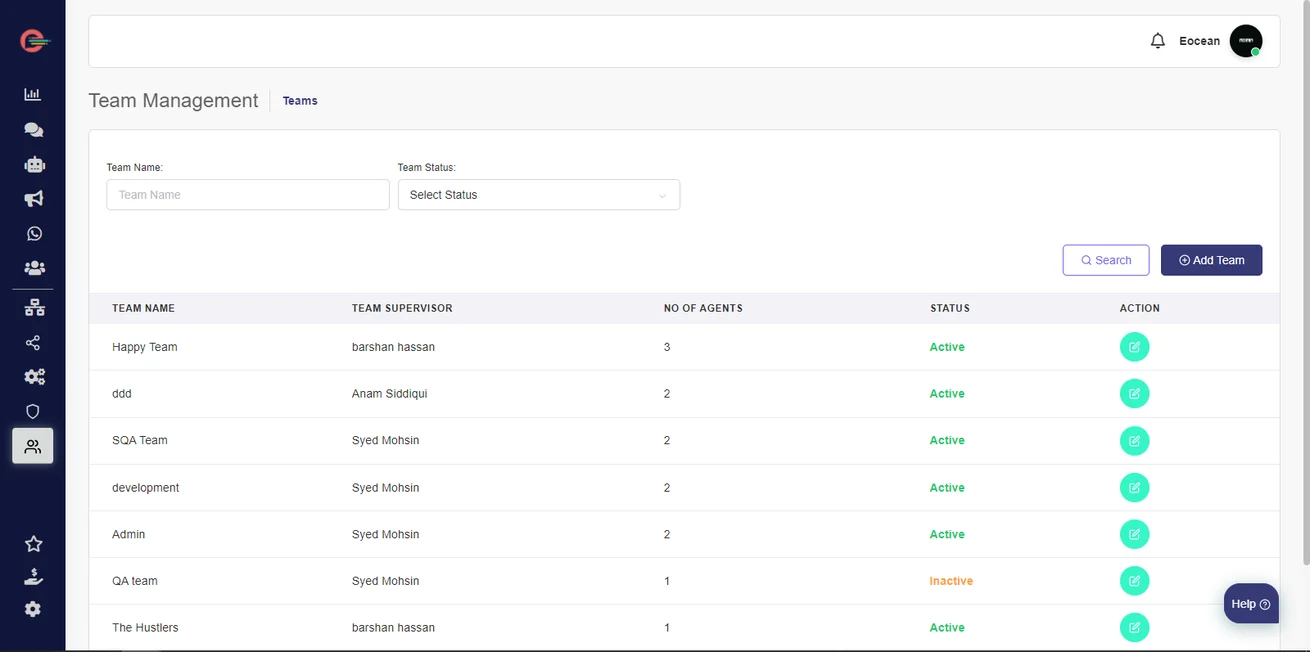
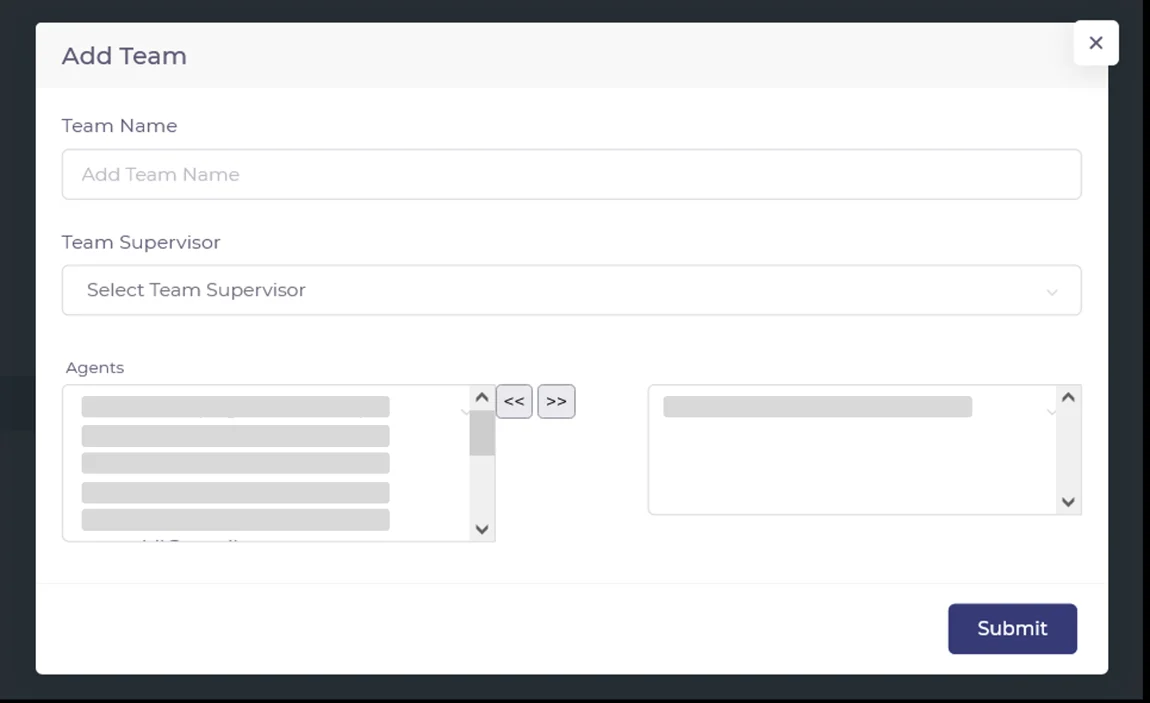
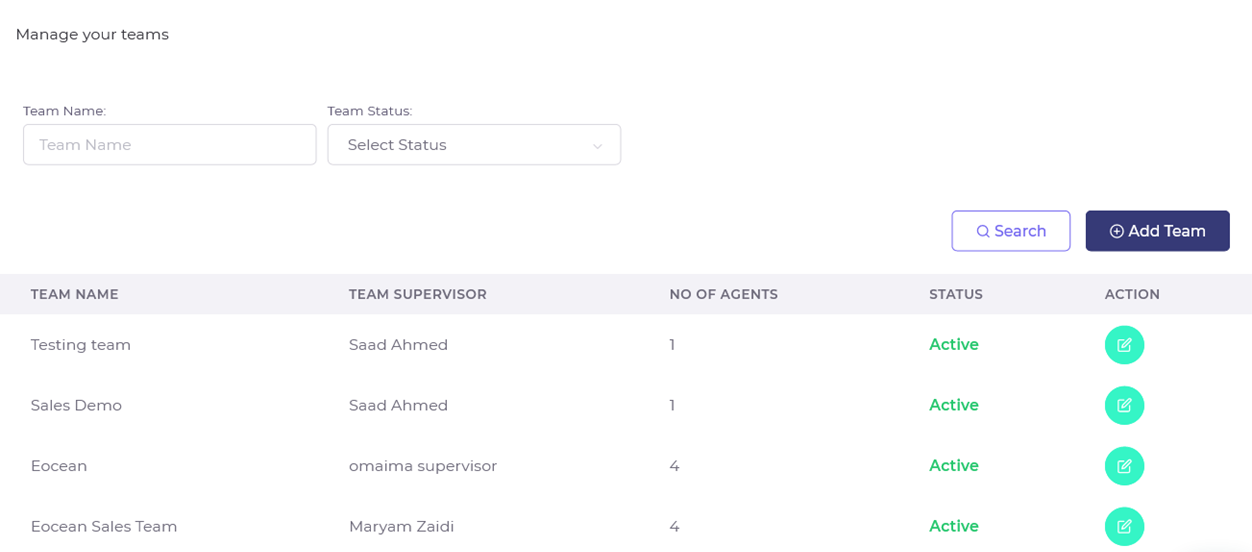
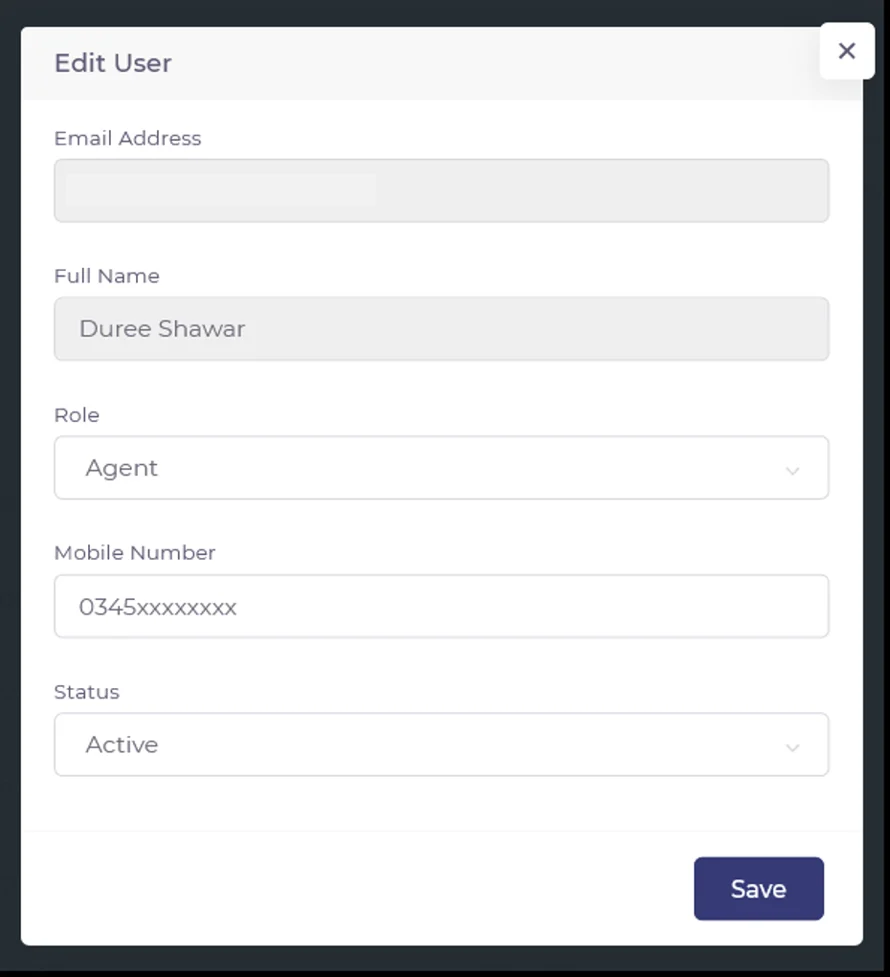
- Create users and teams
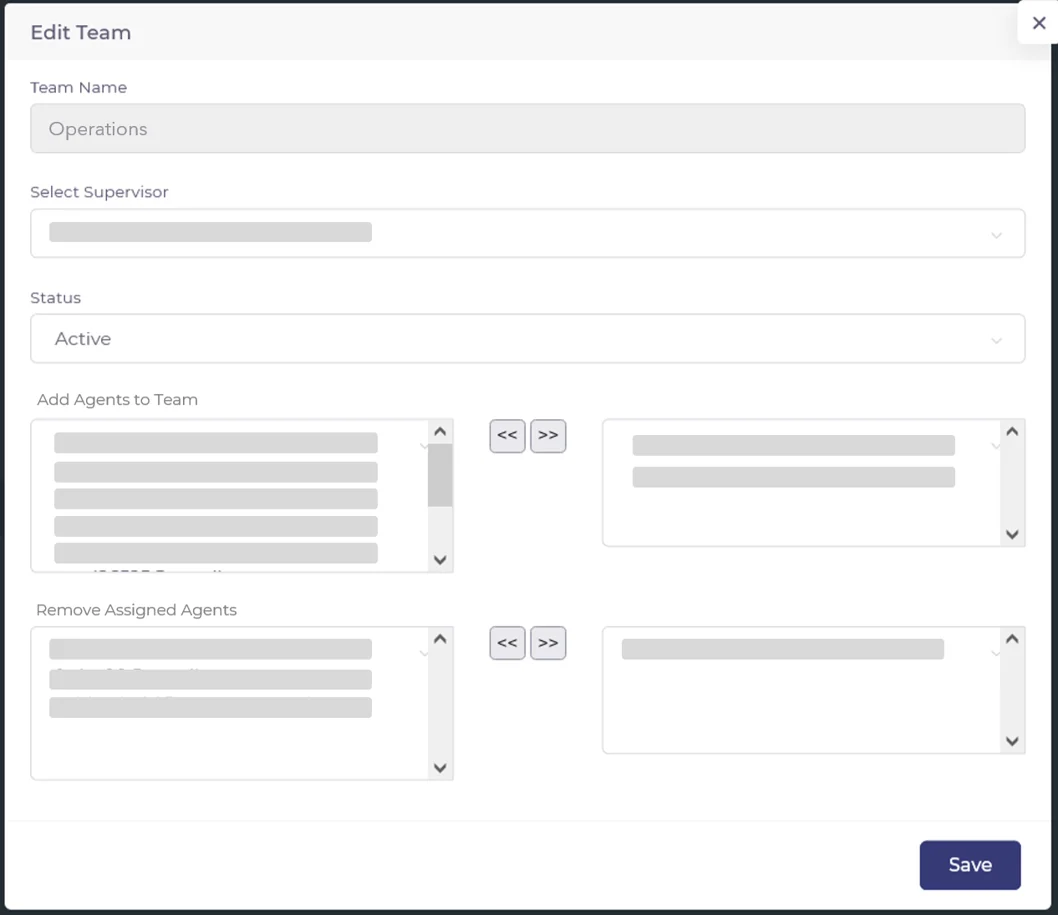
- Assign and remove agents from teams
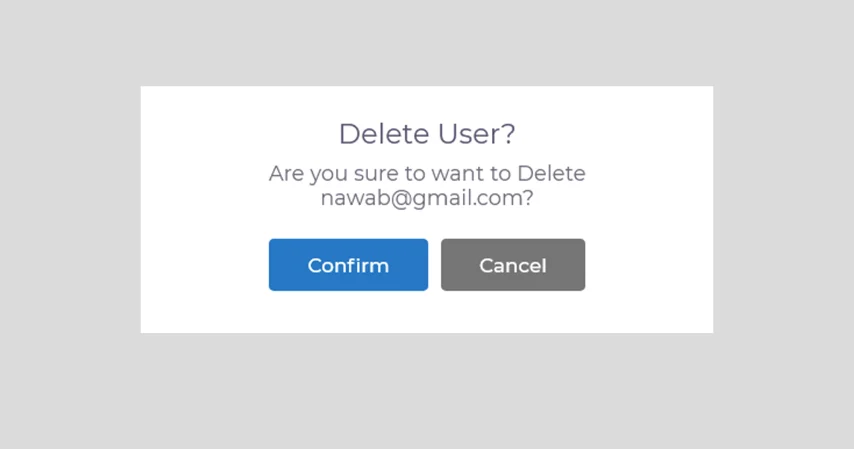
- Delete users and teams
- View all conversations
- Work on and resolve conversations as an ‘agent’
- Manage campaigns
- Create and delete templates
- Build, edit and delete chat-bots
- Create, edit and delete contacts
- Download Contacts list
- create and edit tags and quick replies
Digital Connect allows you to create up-to 2 administrators without utilizing agent seats available in your plan.
Team Supervisor
Team Supervisors can monitor agent conversations, provide guidance, and access relevant analytics and reports for their teams. Supervisors have partial access to the platform, tailored to their team management requirements. Team Supervisor is a paid role that comes with a license seat included in the monthly subscription.
The team supervisor has access to:
- My Profile
- Insights
- Platform Settings
- Chat Manager
- What’s New
The team supervisor can perform several unique actions:
- Create users and teams
- Assign and remove agents from teams
- View all conversations
- Work on and resolve conversations as an ‘agent’
- Assist agents using private notes to resolve conversations
- Create, edit and delete tags and quick replies
- View insights such as conversations, voice of customer and agent performance
- View and download reports
Agent
Agents are the primary users who handle customer interactions and provide support using Digital Connect. They have access to all relevant features needed to engage with customer efficiently. Agent is a paid role that comes with a license seat included in the monthly subscription.
The agent has access to:
- My Profile
- Insights
- Chat Manager
- What’s New
The agent can:
- Work and resolve conversations
- Search and view assigned conversations
- Upload profile picture
- View own conversation insights
Chat-bot User
The chatbot user can monitor conversations taking place between your chatbot (virtual agents) and customers and can also view insights related to bot conversations.
The chatbot user has access to:
- My Profile
- Chatbot Manager
- Insights (Bot conversations)
The chatbot user can:
- View chatbot conversations
- View bot conversation insights
- download reports
WABA Manager
The WABA Managers are users with a limited access to the Digital Connect Platform. The role of WABA Manager is designed for businesses that have specifically subscribed to the WhatsApp Business API for the purpose of sending template (transactional) notifications to their customers.
The WABA Manager has access to:
- My Profile
- Insights (Overview)
- Billing
- What’s New
The WABA Manager can:
- View bot conversations
- Edit Profile settings (WhatsApp Business Profile)
- View Insights (Overview)
- download reports
Marketer
The Marketer can create and launch marketing campaigns and broadcasts in Digital Connect. Marketers can also view campaign analytics for the delivered campaigns.
The Marketer has access to:
- My Profile
- Template Manager
- Contacts
- Campaign Manager
- What’s New
The Marketer can:
- Create, edit and launch campaigns
- Create and edit WhatsApp Message templates
- View and download campaign performance reports