Before your visitors can start conversation with you, you’ll need to add the Chat widget to your website by embedding the Chat widget script in the HTML source code of one or more pages.
How to install the live chat widget manually on any website
Before your visitors can start conversation with you, you’ll need to add the Chat widget to your website by embedding the Chat widget script in the HTML source code of one or more pages.
Make sure you have access to your website HTML code and that you are qualified to do website management.
To add the Chat widget to a web page
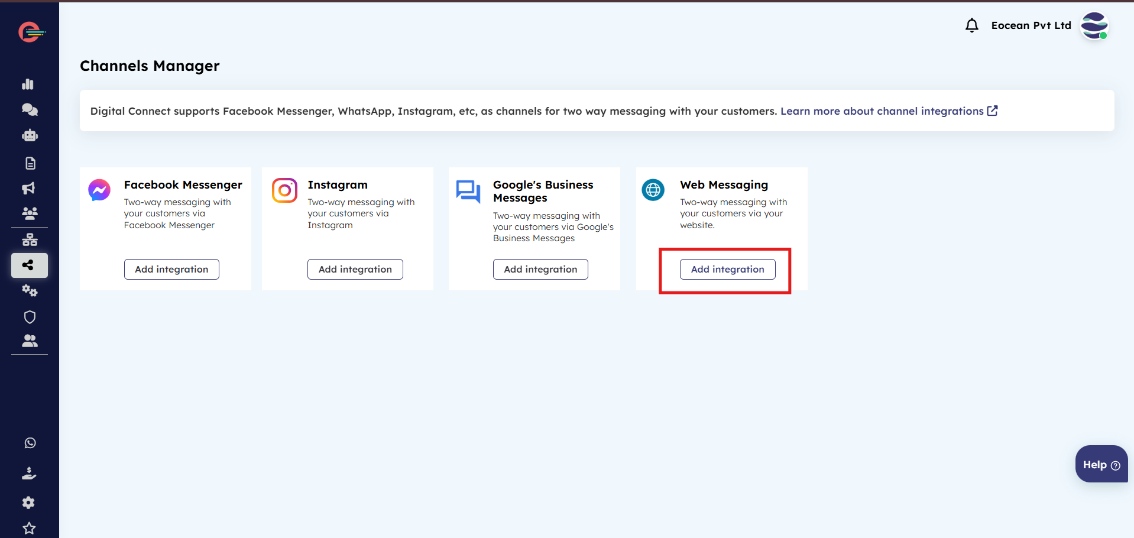
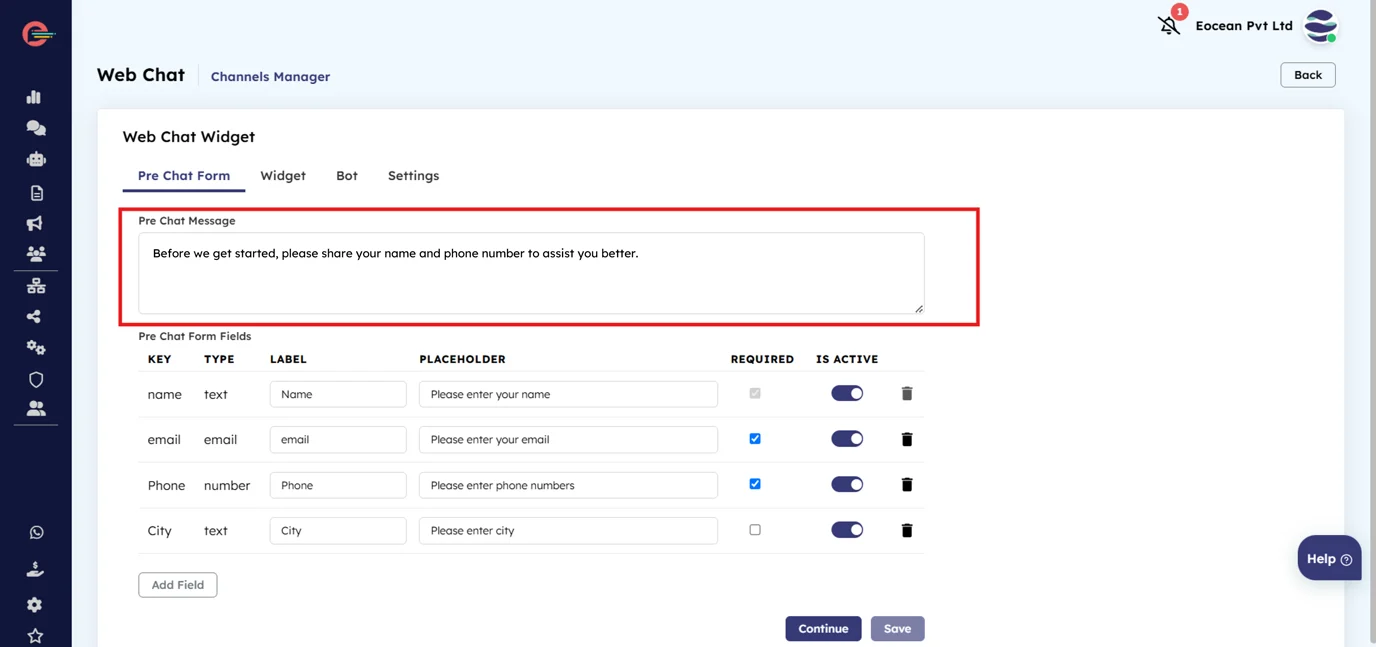
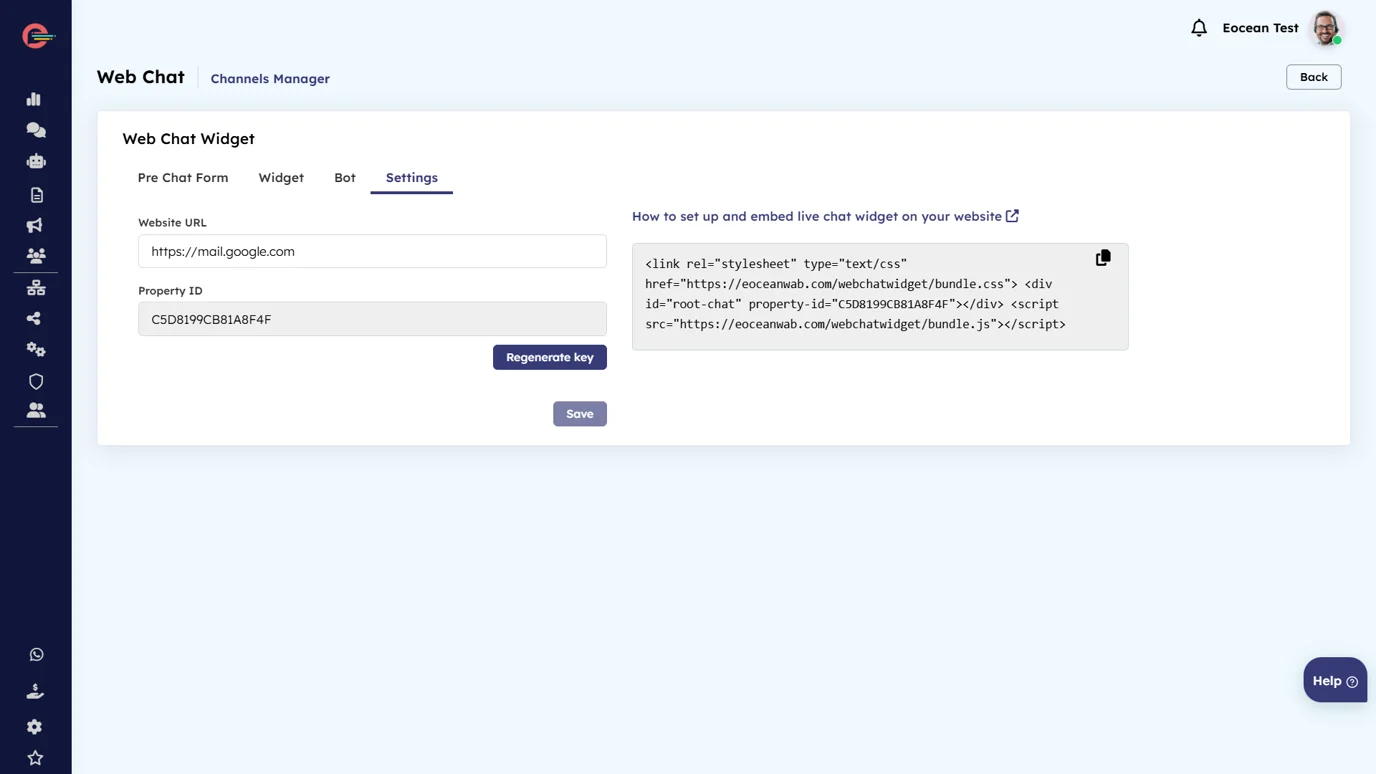
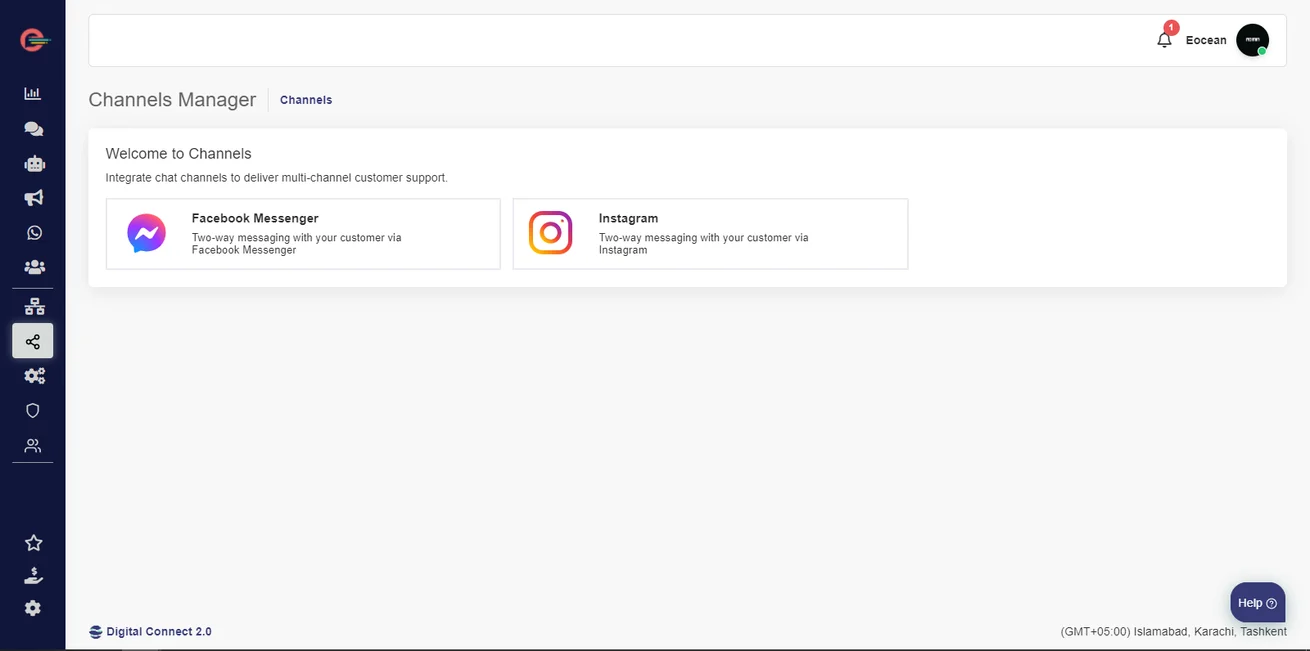
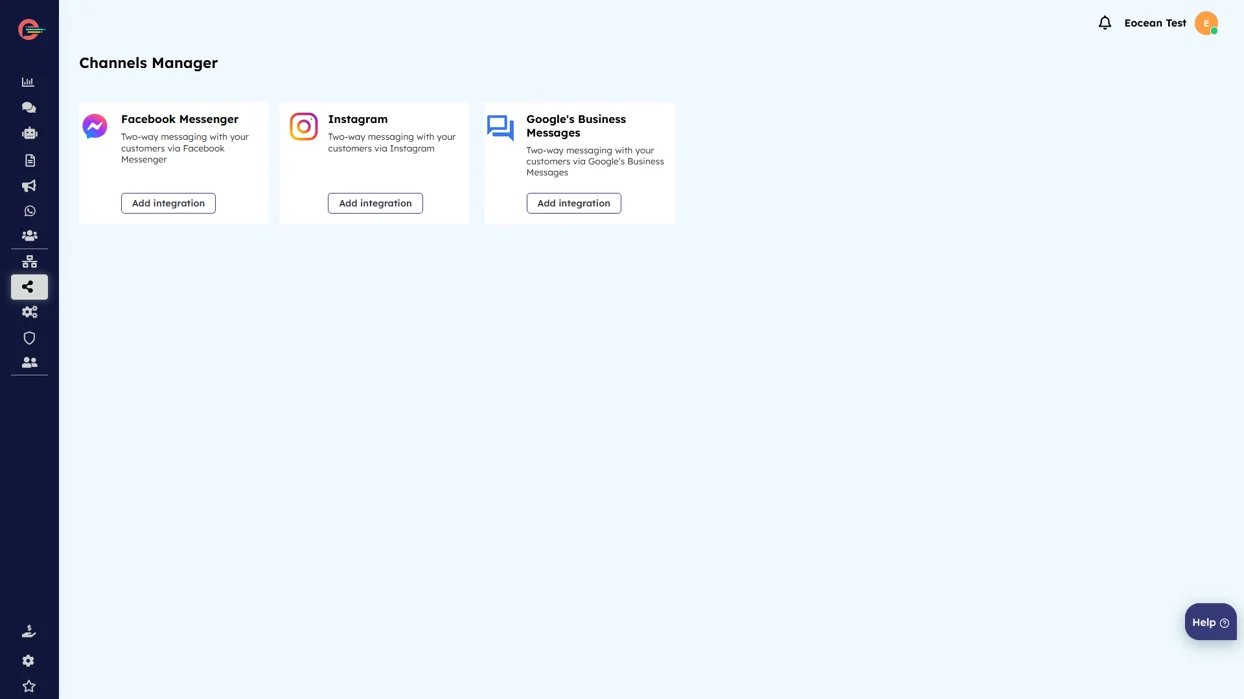
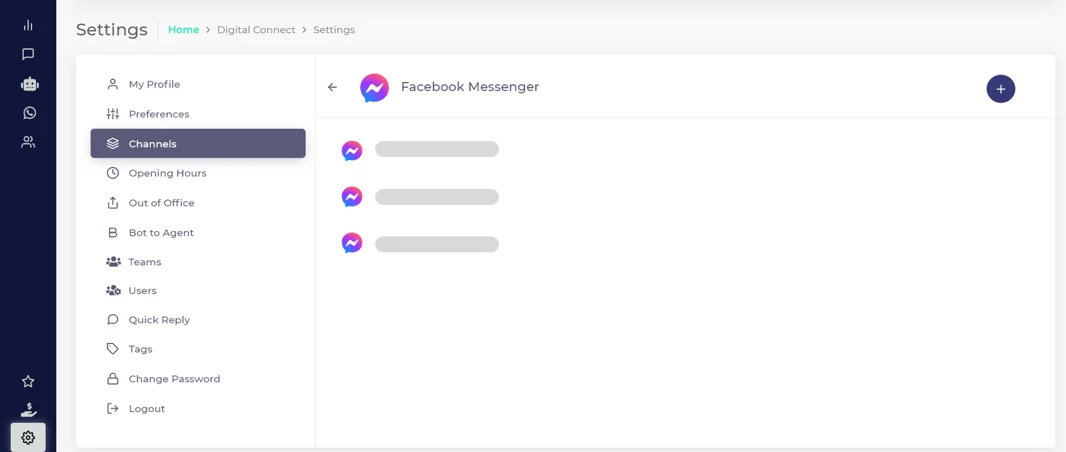
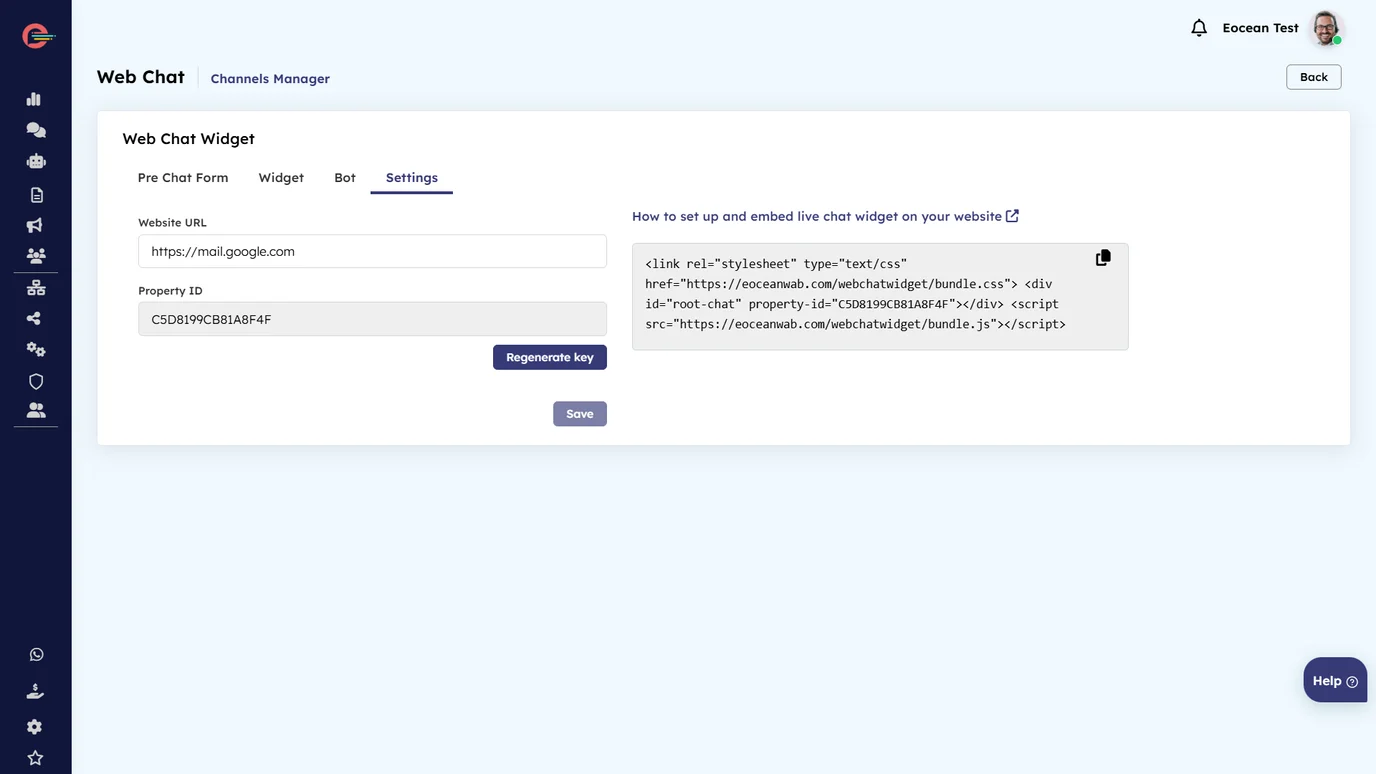
- From left navigation bar, click on Channels > Web Messaging > Add Integrations, then click on Settings tab
- Copy the widget code as shown in the example below.
- Open your website’s main HTML file (e.g., index.html) in a text editor or IDE.
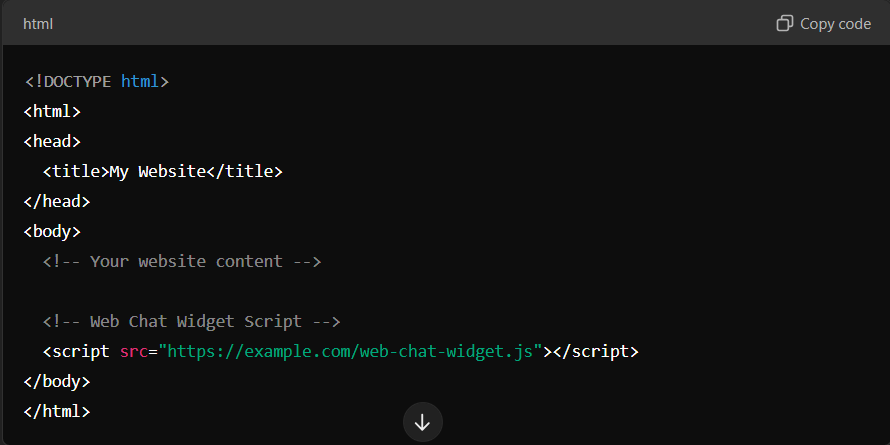
- Paste the widget code you copied before the closing ‘body’ tag of your HTML file as shown below.
- Save the HTML file and upload it to your web server if needed.
- Save and publish the page.
The widget should be visible after reloading the page in a browser.
How to remove the live chat widget?
- Open the HTML file where the widget script was embedded.
- Remove the script tag or widget code you added earlier. For example,

- Save the HTML file and upload it to your web server if needed.
- Save and publish the page.
The widget should no longer be visible after reloading the page in a browser.